

Introduction
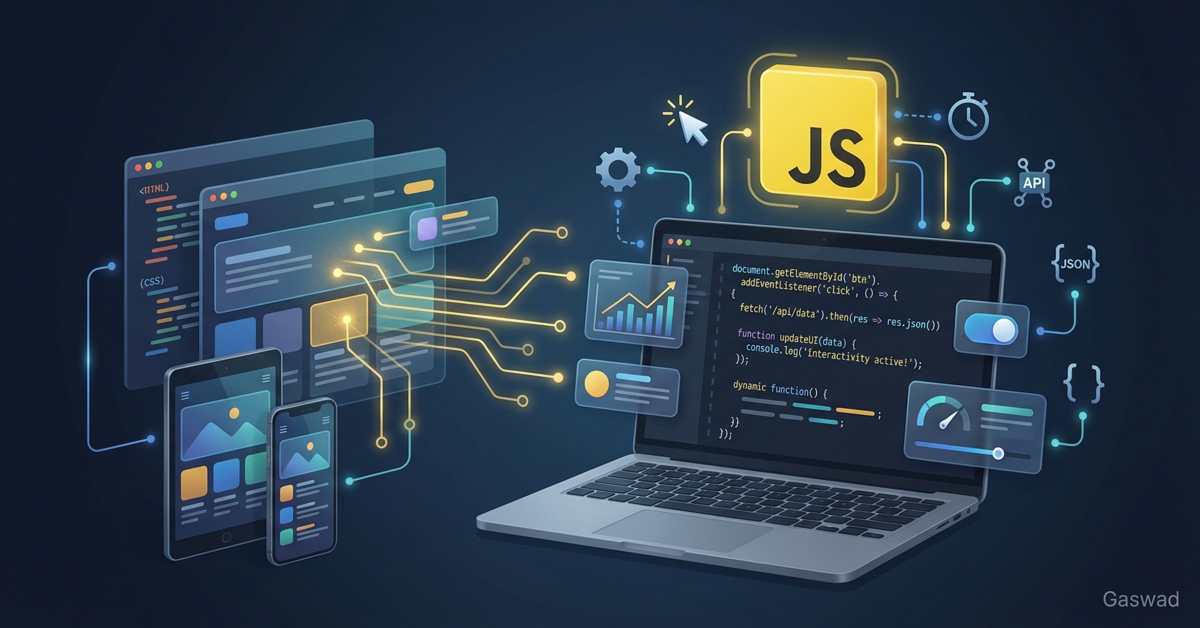
After HTML provides the structure and CSS takes care of the appearance, it is time for the technology that brings a website to life: JavaScript. Dropdown menus, forms that immediately notify users when an input is invalid, and image sliders that move automatically are commonly powered by JavaScript.
Without JavaScript, a website can still be displayed, but it will mostly be static and readable only. In this article, we will explore what JavaScript is, how it works, and the important role it plays in a website.
What Is JavaScript?
JavaScript (often abbreviated as JS) is a programming language that runs directly in a browser to make web pages interactive. Unlike HTML and CSS, JavaScript is a full programming language, it has variables, conditionals, loops, and functions, allowing it to make decisions and process data.
One thing that often causes confusion is that JavaScript and Java are two different programming languages and are not related. Their similar names were largely a marketing decision in the 1990s. Java is widely used for Android applications and backend systems, while JavaScript is closely associated with web development.
A Brief History of JavaScript
JavaScript was created by Brendan Eich at Netscape in 1995, reportedly in about ten days. Its name changed several times—from Mocha to LiveScript—before becoming JavaScript.
In 1997, the language was standardized under the name ECMAScript so that it would behave consistently across browsers. A major update came with ES6 (ECMAScript 2015), which introduced many modern features such as let, const, and arrow functions. Since then, new standards have been released almost every year. Today, JavaScript runs not only in browsers but also on servers through Node.js.
How JavaScript Works and a Basic Code Example
Browsers have a dedicated engine for reading and executing JavaScript. JavaScript code can access and modify page content through the DOM (Document Object Model), which represents an HTML page as objects that can be manipulated.
Here is a simple example of a button that changes text when clicked:
<p id="greeting">Hello!</p>
<button id="button">Click me</button>

<script>
  const button = document.getElementById("button");
  const greeting = document.getElementById("greeting");

  button.addEventListener("click", function () {
    greeting.textContent = "Welcome to my website!";
  });
</script>
Some basic concepts used in this example:
Variables (const and let) are used to store data.
Functions group code that can be executed whenever needed.
Events (such as click) are occurrences that code can respond to, including clicks, typing, or scrolling.
The DOM allows JavaScript to select and modify HTML elements.
How To Add JavaScript To An HTML Page
Similar to CSS, there are several ways to add JavaScript:
Method | Where the Code Goes | Best For |
Inline | Directly in an HTML tag attribute, such as onclick | Quick experiments; not recommended for production websites |
Internal | Inside a <script> tag on the HTML page | Short code used on a single page |
Eksternal | In a separate .js file referenced through a <script src> tag | Real websites and code shared across multiple pages |
The external method is the most recommended:
<script src="app.js" defer></script>The defer attribute allows the browser to parse the HTML before executing the script. This helps the page render sooner and prevents errors that can occur when the script runs before the required elements are ready.
What Can JavaScript Do?
JavaScript can do a lot, but these are some of its most common uses on websites:
User interface interactions. Dropdown menus, pop-up modals, tabs, and accordions.
Form validation. Checking user input before submission, such as email formats or empty fields.
Updating content without reloading the page. For example, a search field that displays suggestions instantly or notifications that appear automatically.
Retrieving data from a server. Using fetch, a page can request data from an API and display it.
Animations and effects. Image sliders, scroll effects, and transitions that are more complex than those provided by CSS alone.
Storing small amounts of data in the browser. For example, dark-mode preferences or shopping cart contents using localStorage.
The Role Of JavaScript In Websites
In short, JavaScript helps turn a website from a “document” into an “application”:
Interactivity. Visitors can interact with the website instead of just reading its content.
A smoother user experience. Pages do not need to reload every time a small change occurs.
A bridge to data. JavaScript connects the interface to servers and APIs, for example for login, payments, and maps.
The foundation of modern web applications. Services such as dashboards, chat applications, and online editors are built with JavaScript.
One language for both sides. Through Node.js, the same language can be used in the browser and on the server.
There is one important consideration: excessive JavaScript can make a page slow and heavy. Important content should also remain available in HTML so that search engines and screen readers can access it.
The JavaScript Ecosystem
Over time, many tools have been built around JavaScript to help developers work more efficiently:
Libraries such as jQuery (which is now less commonly used in new projects) and Axios.
UI frameworks and libraries such as React, Vue, and Angular for building complex interfaces.
Node.js for running JavaScript on the server.
TypeScript, which adds type checking to JavaScript and is compiled back into JavaScript.
For beginners, the general recommendation is to master plain JavaScript (vanilla JS) first. With a strong foundation, learning any framework becomes much easier.
Tips For Getting Started With JavaScript
Make sure you are comfortable with HTML and CSS. JavaScript works with HTML elements, so a solid foundation is important.
Use the browser console. Press F12, open the Console tab, and try writing code directly. It is one of the quickest ways to experiment.
Learn the language fundamentals first. variables, data types, conditionals, loops, and functions.
Build small projects. Try a calculator, to-do list, or digital clock. Small projects are often more effective than simply reading theory.
Get used to reading errors. Error messages in the console are clues, not enemies.
Use reliable references. MDN Web Docs is comprehensive and widely used by developers.
It is normal for JavaScript to feel more challenging than HTML and CSS because you are starting to think like a programmer. Be patient and practice a little but consistently.
Conclusion
JavaScript is a programming language that makes websites interactive and dynamic. If HTML is the framework and CSS is the appearance, JavaScript is the muscle that makes everything move.
Getting started does not have to be complicated: create an app.js file, connect it to your HTML page, and try making a button respond to a click. With that small step, you have already entered the world of web programming.
Diskusi (0)
Alamat email Kamu tidak akan ditampilkan atau disebarluaskan.
Belum ada komentar untuk artikel ini, tulis komentar Kamu sekarang.